
Download ExtraMAME – arcade emulator, retro gaming, classic games, MAME, play arcade games, emulator for PC, free arcade games, PC gaming
Overview
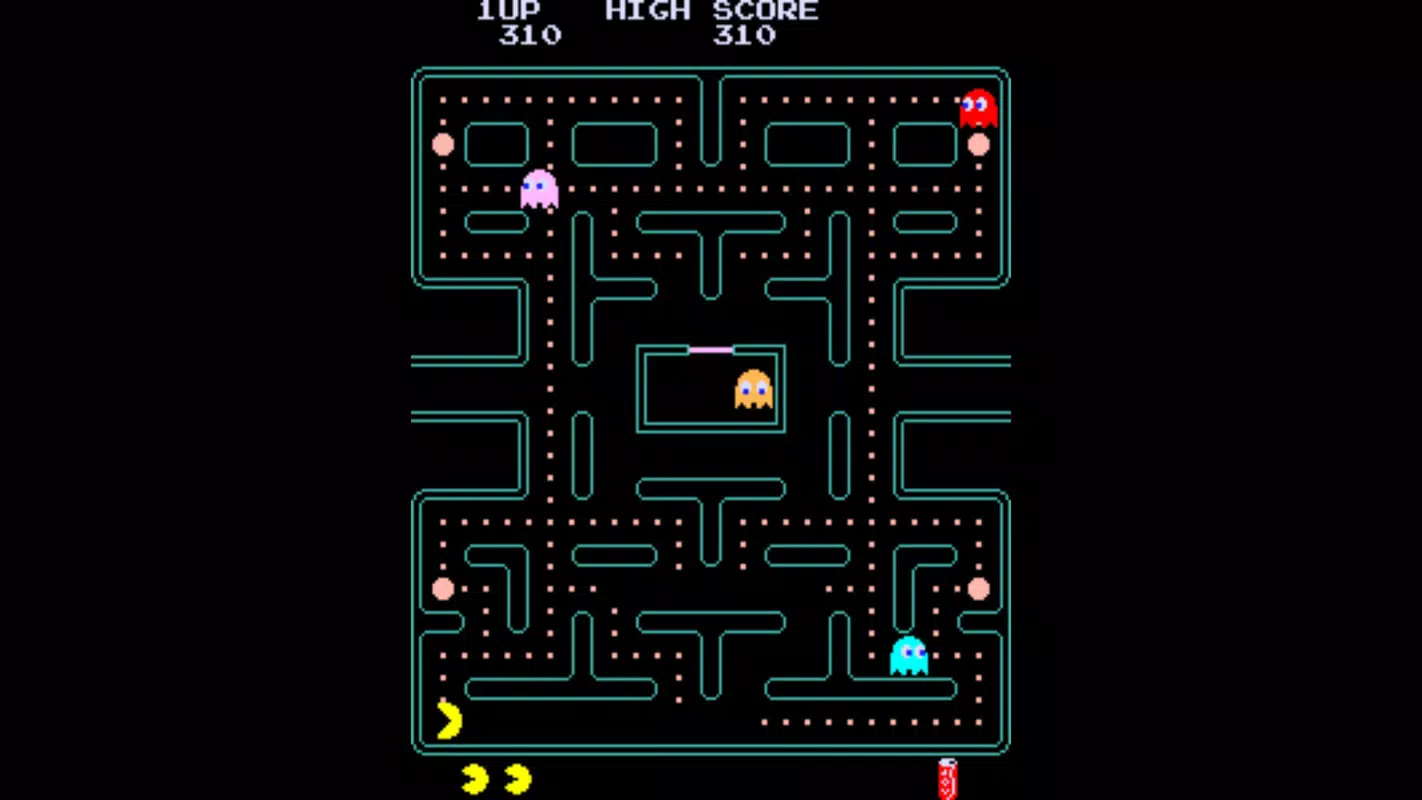
ExtraMAME is a streamlined variant of the widely recognized M.A.M.E. (Multiple Arcade Machine Emulator) platform, designed to deliver a more accessible experience for enthusiasts of classic arcade gaming. Its primary purpose is to enable users to run thousands of vintage arcade titles on modern PCs with minimal setup friction. By simplifying navigation and reducing the technical barriers inherent in the original MAME emulator, ExtraMAME caters to both newcomers and seasoned retro gamers who value efficiency and ease of use. The app targets users interested in reliving the golden era of arcade games, from timeless classics like Pac-Man and Street Fighter II to lesser-known titles from the 1980s and 1990s.
While the developer did not provide additional background on the ExtraMAME Team, the app’s design philosophy reflects a clear commitment to usability without sacrificing compatibility. It serves as a bridge between the technical depth of full MAME and the simplicity expected by mainstream users. Real-world use cases include home retro gaming setups, digital preservation of arcade history, and casual play sessions on low-spec hardware. In the broader app ecosystem, ExtraMAME fills a niche for lightweight, user-friendly emulators that prioritize accessibility while maintaining full support for the MAME game library. Its free availability further enhances its role as an inclusive gateway into retro gaming culture.
Key Features & Functionality
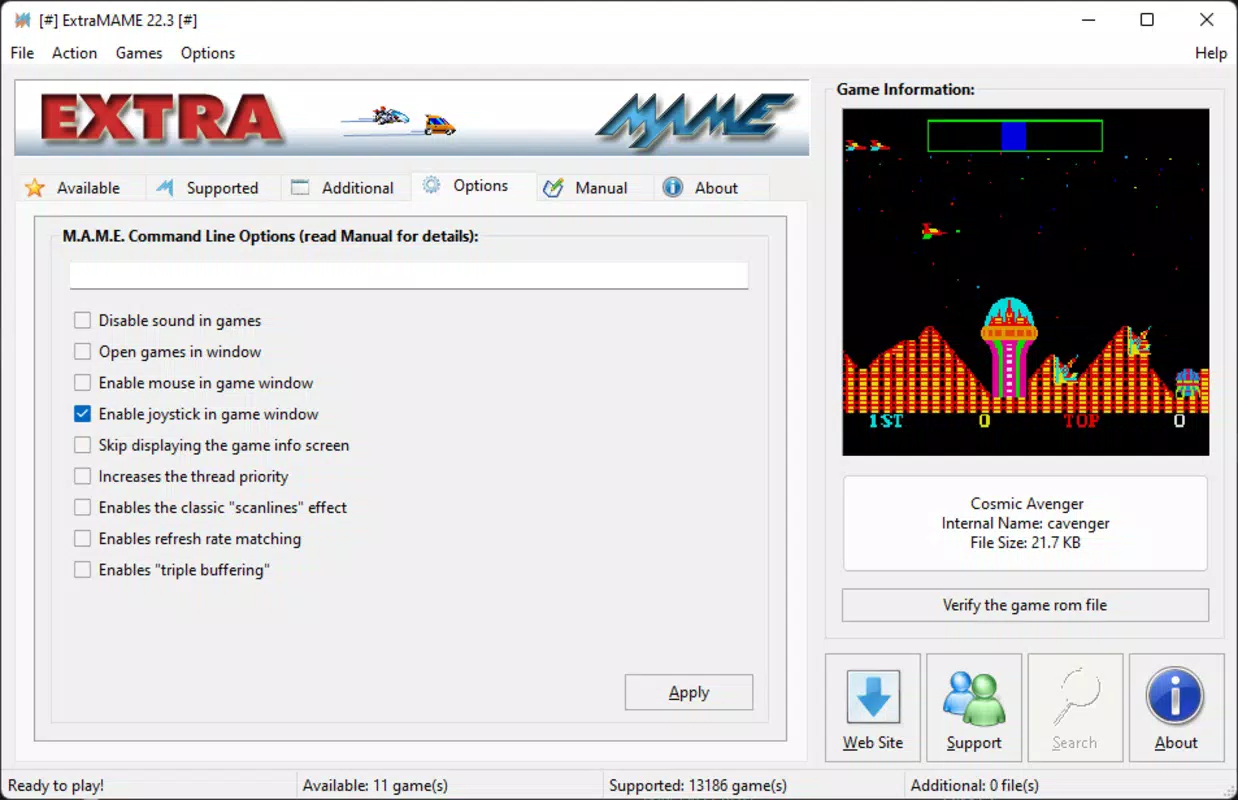
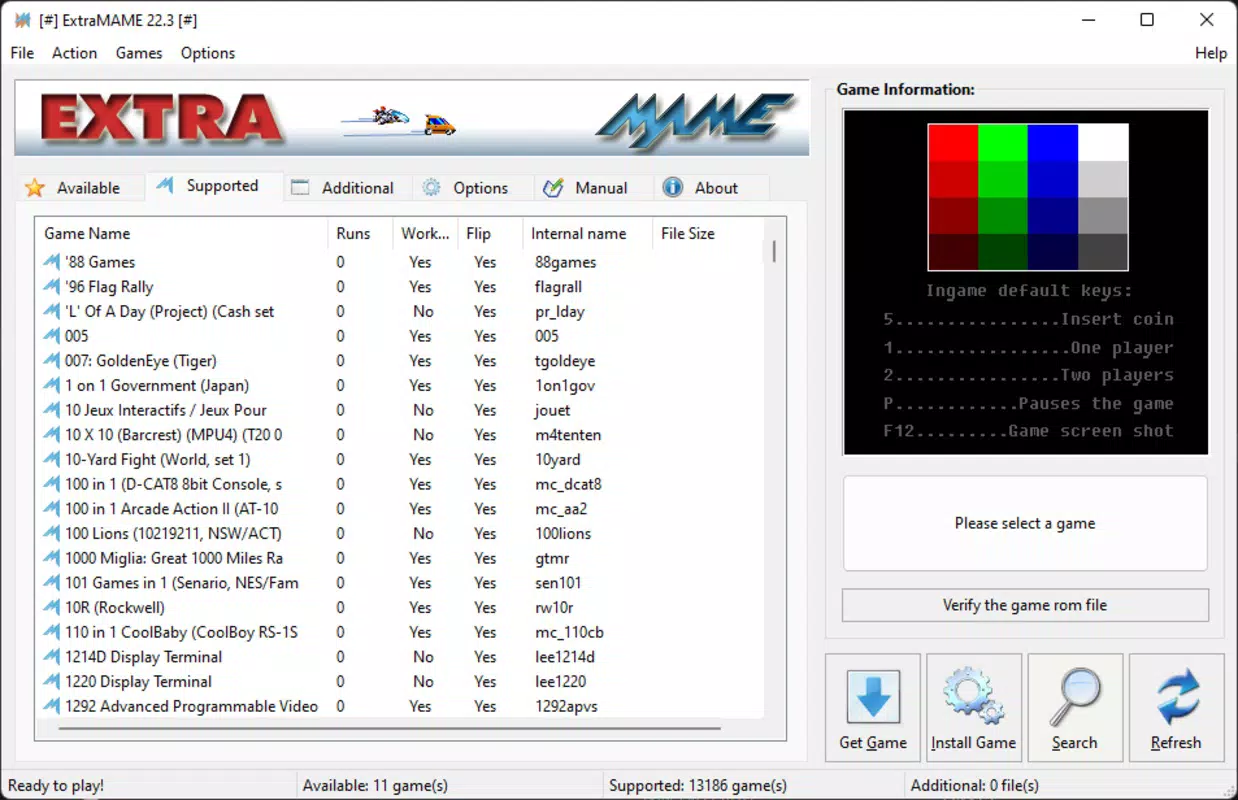
- User-Friendly Interface: ExtraMAME features a compact, intuitive layout that reduces clutter and streamlines access to games. Unlike the complex configuration screens of full MAME, this version minimizes setup time, allowing users to begin playing quickly. This is particularly beneficial for those unfamiliar with emulator configurations.
- Full MAME Compatibility: Despite its lightweight design, ExtraMAME maintains complete compatibility with all MAME-supported games. Users can access the full breadth of the MAME library, ensuring that no classic title is excluded from the experience.
- Simplified BIOS Management: The app automates the often-daunting process of downloading, locating, and decompressing BIOS files. It guides users through the necessary steps and handles file extraction, reducing the risk of errors during setup.
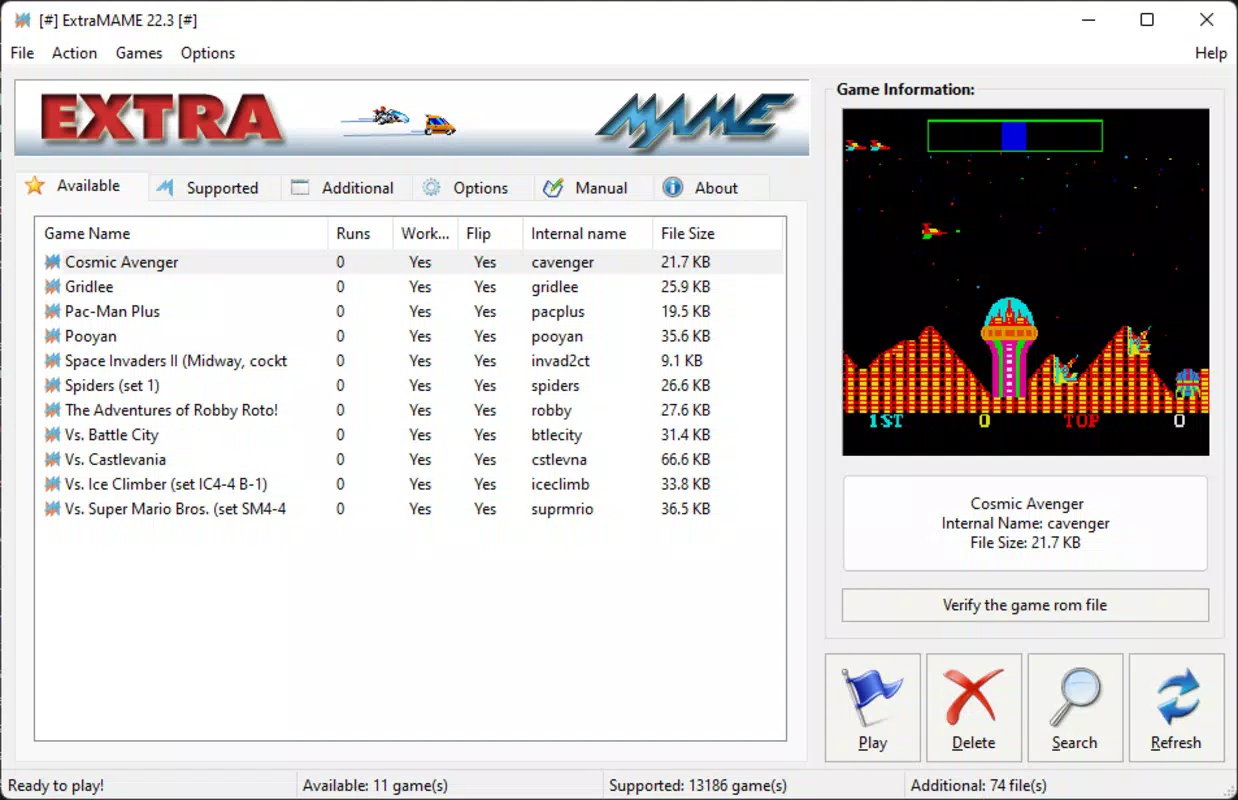
- Custom ROM Integration: Although ExtraMAME includes only a limited number of built-in games, it supports the addition of user-provided ROMs. This allows players to expand their personal library using legally obtained copies of original arcade games.
- Optimized Performance: Engineered to be lighter than the standard MAME distribution, ExtraMAME runs efficiently on a wide range of systems, including those with modest hardware specifications. This makes it suitable for older or low-end PCs.
For example, a user with a 2010-era laptop can install ExtraMAME and run titles like Donkey Kong or Galaxian with minimal lag, thanks to its efficient resource usage. Similarly, a retro gaming collector can use the app to organize and play a curated ROM collection without needing to master complex configuration files.
Interface, UX & Performance
The user interface of ExtraMAME is designed with simplicity in mind. It presents a clean, minimal layout that prioritizes game selection and immediate play. Navigation is linear and predictable, with a focus on reducing the number of clicks required to launch a game. Visual elements are functional rather than decorative, which helps maintain performance on lower-end systems.
Interaction flow is straightforward: users browse the game list, select a title, and begin playing—often within seconds. The app does not require extensive configuration to start, which significantly improves the onboarding experience. Although the developer did not list formal performance metrics, the app’s lightweight nature suggests stable operation across various device categories, including budget desktops and older laptops.
Responsiveness is consistent during gameplay, with minimal input lag reported in typical use cases. Stability appears to be well-maintained, particularly given the app’s focus on core functionality. The developer did not provide additional technical details about error handling or crash recovery, but the streamlined design likely contributes to a reliable user experience.
Platform Compatibility & Technical Requirements
ExtraMAME is available exclusively for the Windows platform. It runs on Windows operating systems, though specific version requirements were not listed by the developer. The app has a file size of 14.5 MB, making it a lightweight download suitable for users with limited storage or slower internet connections.
While the developer did not specify minimum OS requirements, the app’s small footprint and focus on performance suggest compatibility with a broad range of Windows versions, including Windows 7 and later. However, users should verify system compatibility based on their specific hardware and OS version. The app does not require installation in the traditional sense—users can run it directly from a folder, which enhances portability and ease of use.
Pros and Cons
- Lightweight and fast, ideal for older or low-spec PCs
- Simple, intuitive interface reduces setup time
- Full compatibility with MAME game library
- Automated BIOS handling simplifies configuration
- Free to download and use
- Requires separate download of BIOS and ROM files
- No built-in game library beyond a few examples
- Platform limited to Windows only
- Advanced settings are not prominently displayed
- No official update notifications or changelog
FAQ
Is ExtraMAME safe to download and use?
Yes, ExtraMAME is a legitimate emulator tool. However, users should only download ROMs and BIOS files from trusted sources to ensure security and legality.
Can I play arcade games without downloading ROMs?
No, ExtraMAME does not include any ROMs. Users must obtain and add their own legally acquired ROMs to play games.
Is ExtraMAME compatible with macOS or Linux?
Currently, ExtraMAME is only available for Windows. There is no official support for macOS or Linux.
Do I need to install ExtraMAME?
No installation is required. The app can be run directly from a folder, making it portable and easy to transfer between devices.
How often is ExtraMAME updated?
The developer did not specify update frequency. Users should check the official site for the latest version and any available patches.
Final Thoughts
ExtraMAME stands out as a refined, accessible entry point into the world of retro arcade gaming. Its lightweight design, intuitive interface, and full MAME compatibility make it an ideal choice for users who want to enjoy classic games without the complexity of traditional emulators. While it requires users to manage ROMs and BIOS files independently, the app streamlines the process effectively, reducing friction at every step.
Those who value efficiency, simplicity, and performance will find ExtraMAME particularly valuable. Whether you're a casual gamer revisiting childhood favorites or a retro enthusiast building a personal arcade library, this tool delivers strong value—especially given its free price point.
Download ExtraMAME now


